
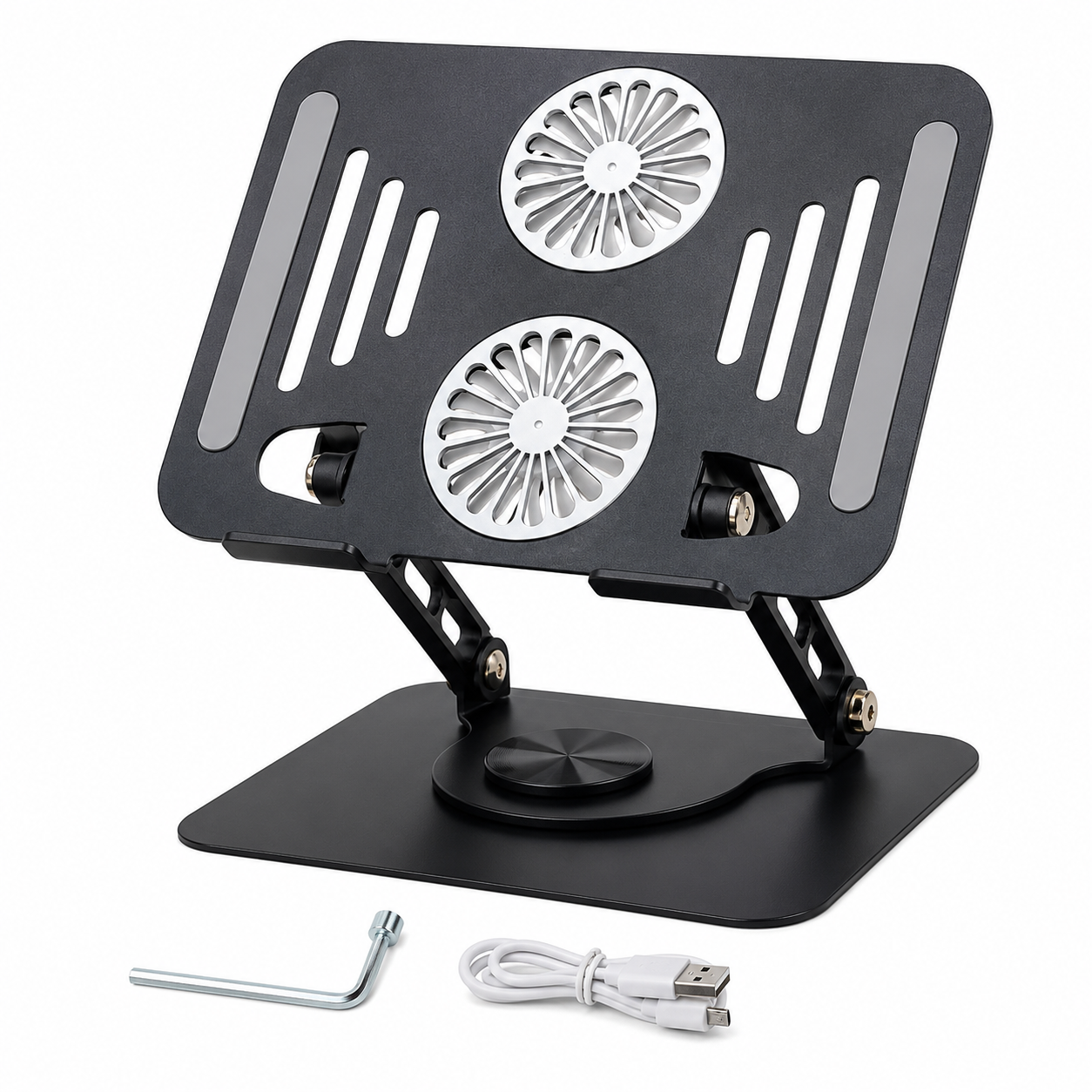
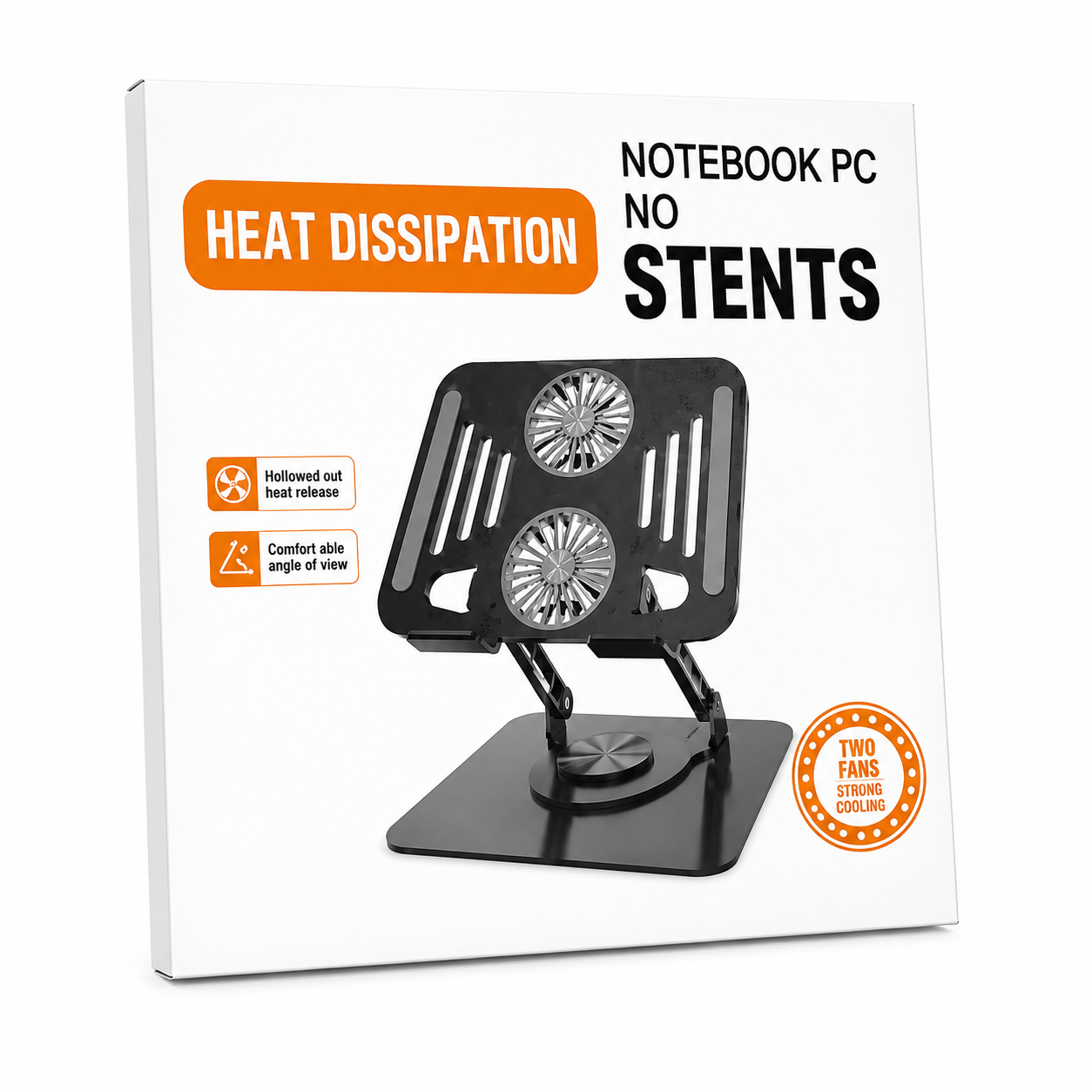
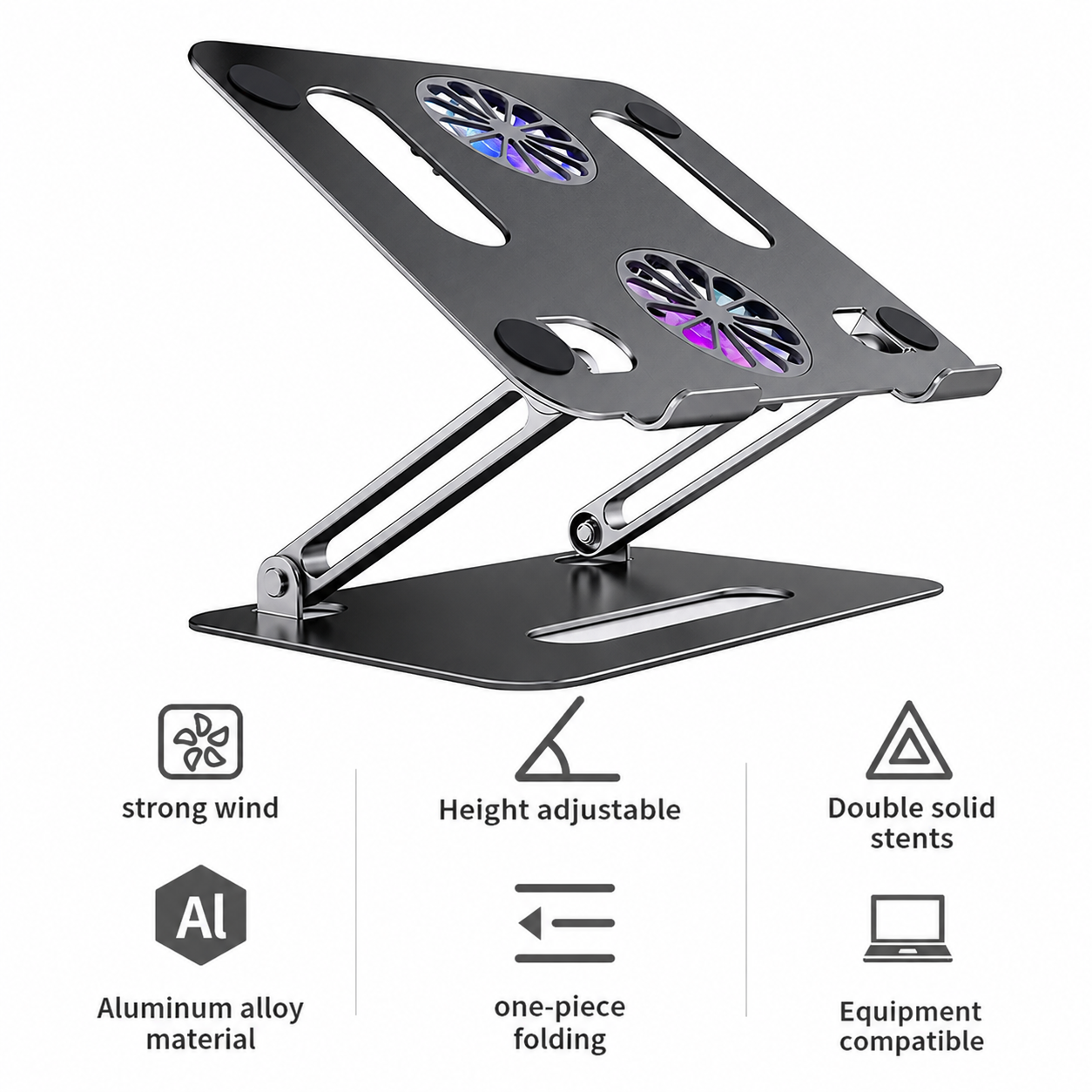
Laptop Stand with Dual Cooling Fan
Product Information
| Parameter | Specification |
|---|---|
| Product Name | Laptop Stand with Dual Cooling Fan |
| Product Type | Adjustable Laptop Cooling Stand |
| Color | Silver / Black (Model Dependent) |
| Application | Laptop Cooling, Ergonomic Stand |
Technical Specifications
| Parameter | Specification |
| Compatible Laptop Size | 10–17 inches |
| Cooling Fans | 2 × High-Speed Cooling Fans |
| Power Supply | USB 5V DC |
| USB Interface | USB-A Plug-and-Play |
| Material | Aluminum Alloy + ABS Plastic + Silicone |
| Height Adjustment | Multi-Level Adjustable |
| Viewing Angle | Ergonomic Adjustable Angle |
| Noise Level | Low-Noise Operation |
| Base | Anti-Slip Silicone Pads |
| Cooling Method | Active Air Cooling |
Features
- Dual high-efficiency cooling fans for improved airflow
- Ergonomic adjustable height and viewing angle
- USB-powered plug-and-play operation
- Lightweight and foldable design for easy portability
- Durable aluminum alloy construction
- Anti-slip silicone pads for enhanced stability
- Suitable for gaming, office work, online learning, and multimedia use
- Improves airflow beneath the laptop to help reduce heat buildup
- Quiet fan operation for comfortable daily use
- Compact design for home, office, or travel
Compatibility
Compatible with:
- Windows laptops
- Apple MacBook series
- Dell
- HP
- Lenovo
- ASUS
- Acer
- MSI
- Huawei MateBook
- Other laptops between 10 and 17 inches
Installation
- Place the stand on a flat surface.
- Connect the integrated USB cable to a laptop or USB power source.
- Adjust the stand to the desired height and viewing angle.
- Position the laptop on the anti-slip supports.
- The cooling fans begin operating when powered via USB.
Package Contents
- 1 × Laptop Stand with Dual Cooling Fan
- 1 × Integrated USB Power Cable
- 1 × User Manual


المراجعات
لا توجد مراجعات بعد.